ARworks · Budapest · since 2011
Interactive
virtual showroom
for medical
devices
An introductory document for a planned online meeting.
VR, AR, Web3D and AI-based product presentation solutions.
Agenda
What we will cover
ARworks in brief
Who we are, what we do, how we work.
Industries and projects
Automotive, defence, real estate, industry, retail, culture, energy.
Two highlighted references
Presenting a medical device — Touch and VR.
Health & pharma portfolio
Manufacturers, clinical training, patient information.
Our showroom solutions
Digital showrooms we have already built.
The task and the next step
Implementation directions, features, process.
01 — Who we are
VR, AR, 3D and AI
solutions for business goals
Since 2011, ARworks has been developing custom, 3D-based and interactive digital solutions — for training, sales, exhibitions and digital customer service. The entire process is handled by our own team in Budapest.
01 — Capabilities
Technology and delivery models
Custom development
A fully custom system based on the business goal, the environment and corporate processes.
Adaptable platform
An existing ARworks foundation — TouchAI, VRAI, BookAI — with quick customisation, your own content and branding.
Ready-made software
A proven application that can be deployed with minimal configuration and short preparation.
02 — Industry experience
Projects from eight sectors
Honda Alghanim — digital car showroom
A touchscreen and Web3D configurator for dealerships in Kuwait.
SAAB — Gripen E AR demo
A life-size fighter jet for exhibitions and decision-maker presentations.
Ganz — digital replica
Presenting machines too large to transport in 3D, at exhibitions.
HB Reavis — touch property presentation
VR and touch presentations of industrial and office property developments.
Pepsi — virtual AR concert
A mobile AR activation launched from the product.
Kempelen — speaking machine
A touchscreen reconstruction for a museum space.
HUMDA — an exhibition on a space station
VR content for roadshows and events.
Medtronic · Control X · Novartis
Device demos, clinical training, patient information.
03 — Highlighted reference 01 · Medical device
Control X medical —
an X-ray machine in 3D,
without the physical unit
The brief: a detailed presentation of the manufacturer’s new “F” series X-ray system, including where the equipment cannot physically be exhibited.
- Interactive 3D model — the scene can be rotated freely with a finger, and every detail can be viewed from several perspectives.
- Virtual remote control — users move the main components of the system themselves and simulate the synchronised movements between the elements.
- Automatic animations — three main functions presented in a predefined, spectacular sequence.
- Info points — professional information about each system element, right on the screen.
- On two surfaces — the same content is available on a touchscreen and on the web.
- UI/UX — visual framework, menus, remote control simulation
- 3D modelling — virtual space and system elements
- Programming — automated and button-triggered functions
The same product category and the same task: presenting complex imaging equipment without physical presence.
03 — Highlighted reference 02 · Global medical device manufacturer
Medtronic —
McGRATH VR training
with AI-driven patients
The challenge: Medtronic needs to prepare large numbers of doctors and trainers worldwide for the safe use of the McGRATH video laryngoscope. Practising with the real device is expensive and tied to an instructor, and the first use on a patient is risky.
The solution: a VR simulator built for Meta Quest 3, in which users practise the steps of intubation on an anatomically accurate, AI-driven virtual patient. The system evaluates movements in real time, simulates cases of varying difficulty and automatically generates a summary for the instructor.
Putting on the headset, practice mode
Preparing the device and the patient
Intubation with real-time feedback
Evaluation and instructor summary
A simulator used in international training programmes: measurable practice independent of location and instructor — without using the real device or putting patients at risk. Results can be exported in LMS- and SCORM-compatible formats.
One of the world’s largest medical device manufacturers entrusted us with the digital training for one of its flagship devices.
04 — Further references
Healthcare and pharmaceutical portfolio
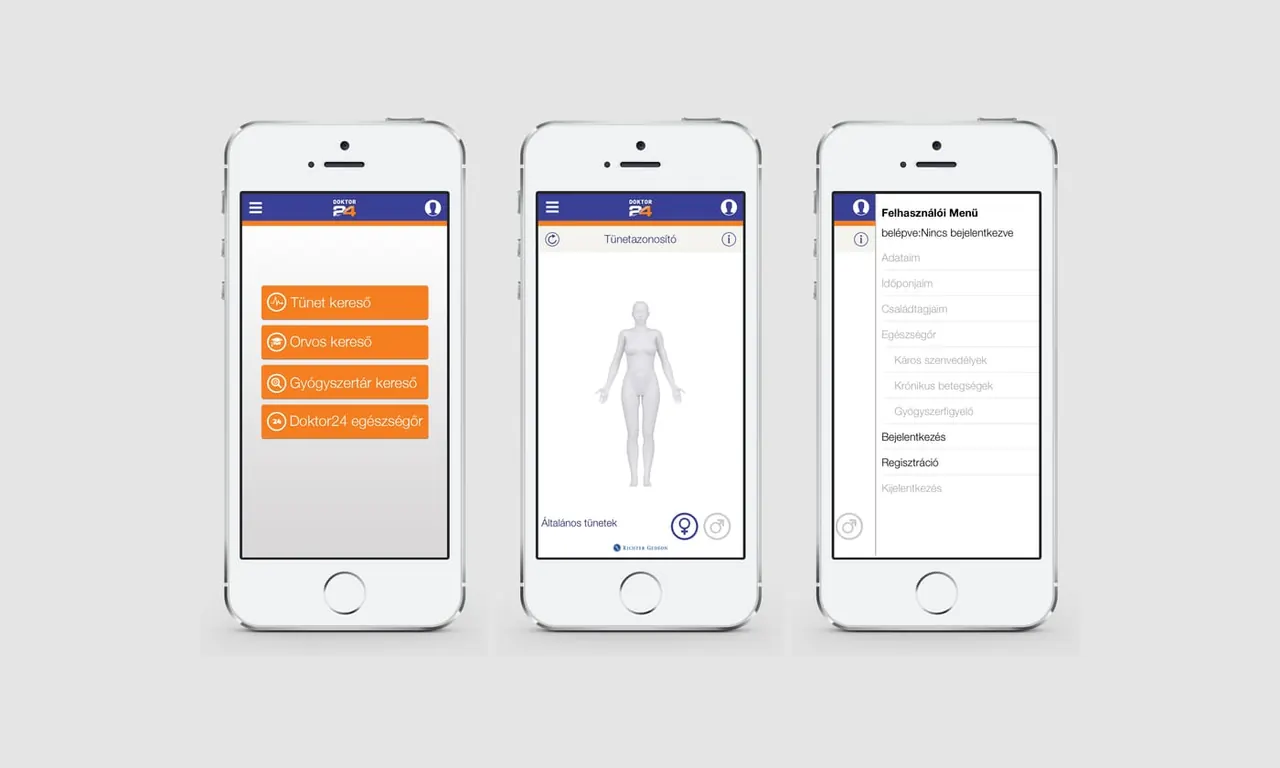
Mechanism-of-action demos, disease and treatment illustration, professional training, patient information, and mobile applications supporting condition assessment and symptom tracking.
- OKFŐ — basic nursing VR training in Hungarian and English
- NATO COE for Military Medicine — browser-based 3D training centre, AED training
- VIKI — battlefield casualty care, helicopter patient transport, EC145 rescue simulator
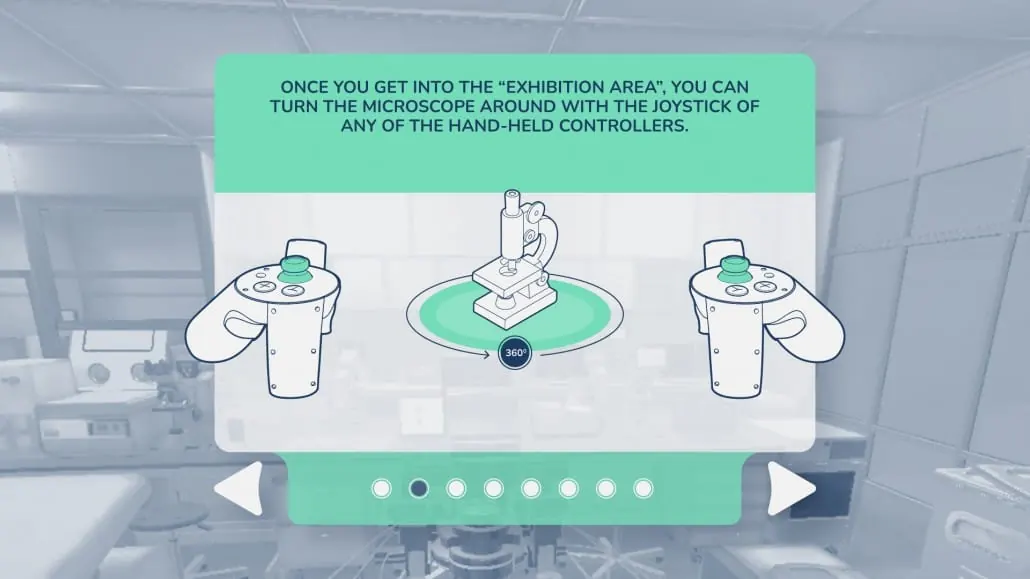
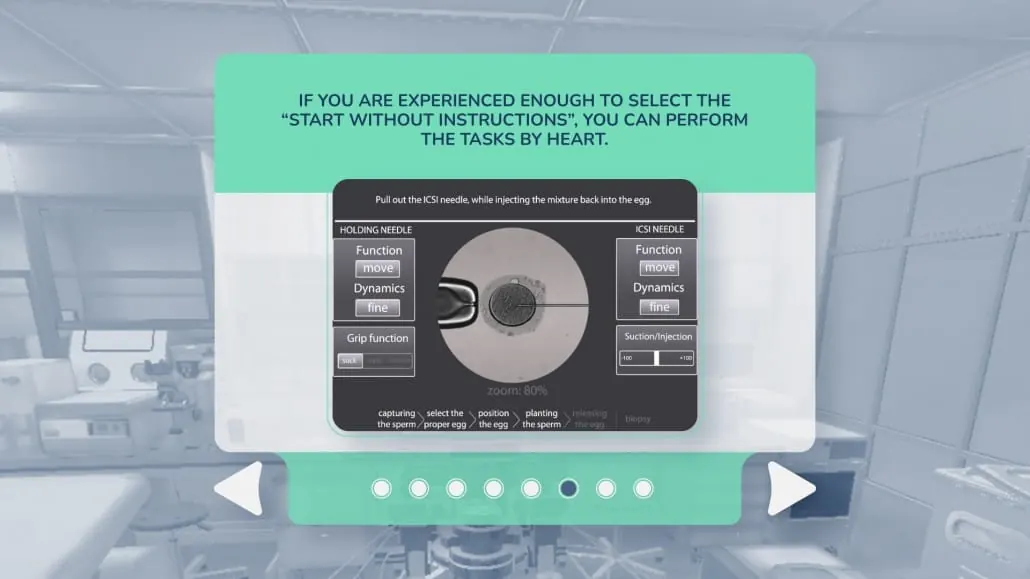
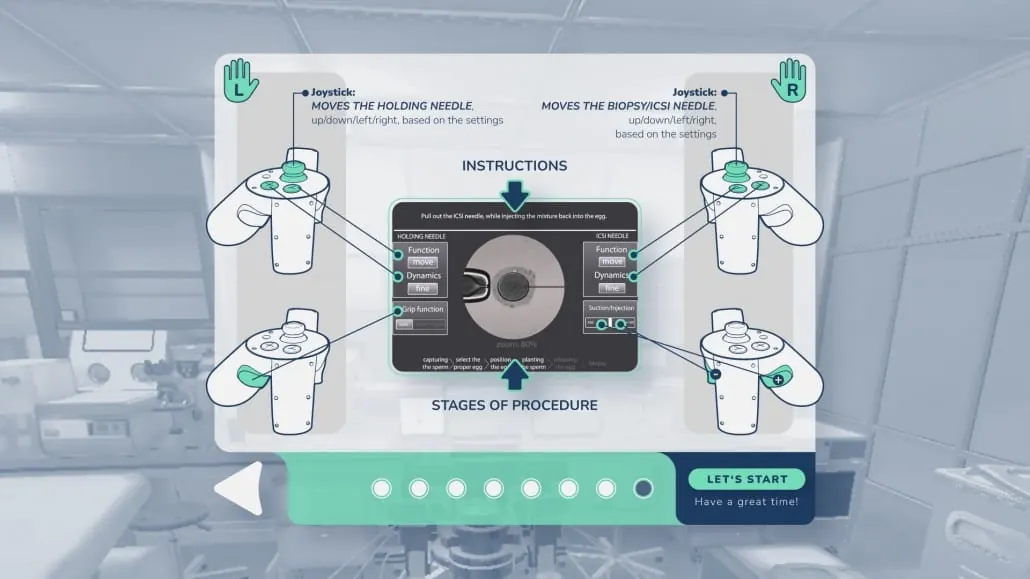
IVF SimPro
A training simulator in VR and in the browser.
AI instructor and knowledge space
A virtual presenter that works from documents.
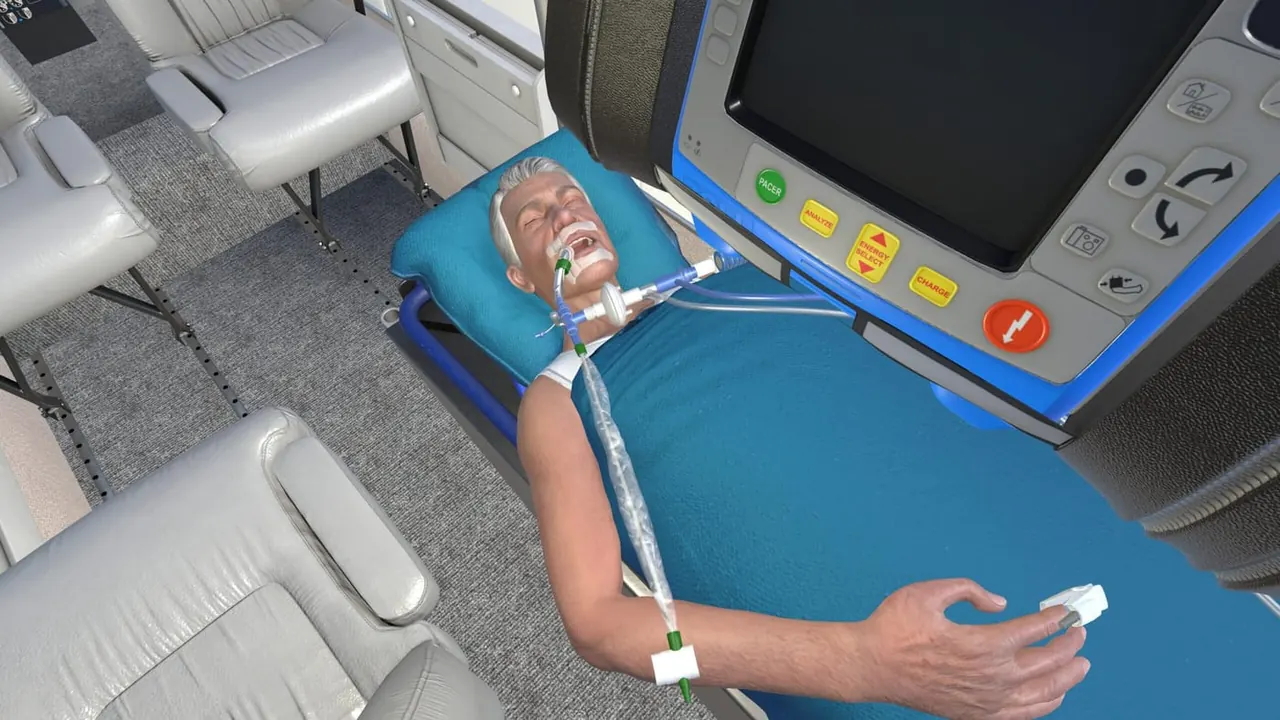
TrustAir
Air medical care VR training for emergency physicians.
Medical chair
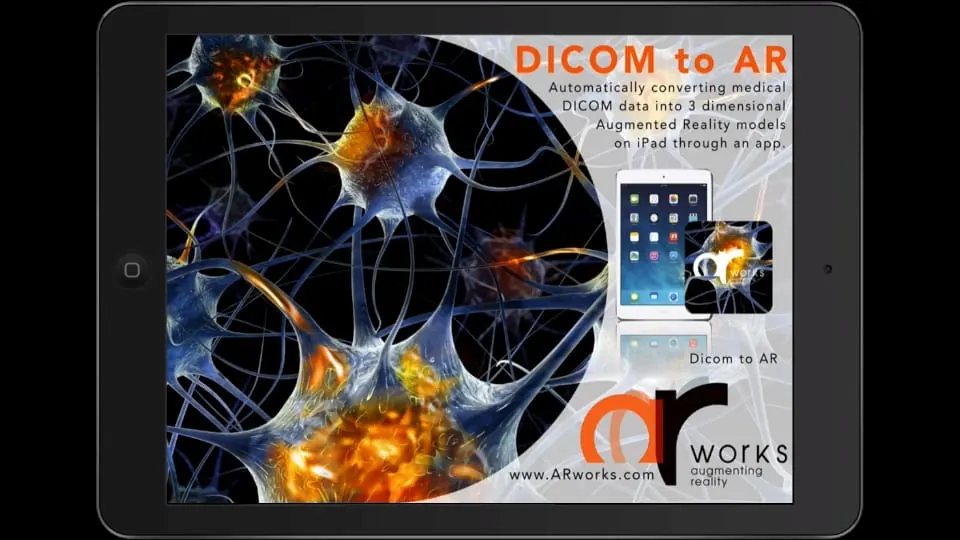
An interactive 3D demo of how the equipment works.
05 — Showroom capability
We have built digital
showrooms many times before
“Not every model can stand in the showroom in every variant — yet customers want to see their own before deciding.” Several showroom projects of recent years were built around this problem.
Digital car showroom and configurator
A large-format touchscreen system: the customer configures in real-time 3D — colour, wheels, equipment, interior — and the salesperson starts a quote from the same interface. In English and Arabic, with full RTL support.
The full model range, digitally
A digital showroom presenting all of the brand’s models, with freely assembled configurations — without physical stock.
When the product is too large to be transported
An exploded 3D view, rotated from every direction; the explanatory texts in space always point to the element concerned. The product can also be viewed in its own environment so that its size can be imagined. A laptop + touchscreen on the stand.
VRShowroom
Our own brandable virtual showroom, in which every variant of the full product range can be presented — anytime, anywhere.
06 — Based on the brief
The task as we understand it
- An online, walkable 3D environment, in which visitors move freely.
- The distributed equipment — ultrasound, X-ray and mammography devices — can be viewed realistically.
- Further content on click: product information, video, animation, other interactive elements.
- In Hungarian and English — equally available in both.
- Visually impressive and professional, yet an easy-to-use interface.
This is exactly the type of task we have already solved with the Control X X-ray demo and the Honda digital showroom — only now the two meet in a single system.
- How many devices will be included, and what source material is available? (CAD, manufacturer 3D, photo, datasheet)
- Where and how will it be used? On the web, at exhibitions, on a salesperson’s laptop, at institutional presentations — or on all of them.
- Is lead capture needed, or a CRM or webshop connection?
- Who updates the content, and how often? (Own editing interface or developer updates.)
- Is measurement needed? Which device was viewed, for how long, and where visitors came from.
- Timing and milestones — is there an exhibition or campaign to align with.
06 — Possible directions
Three directions, one 3D foundation
Browser-based showroom
Web3D: no installation or download, shareable with a single link — on a laptop, tablet or mobile. This is the base version, reaching the widest audience.
Touchscreen version
A kiosk and stand version built from the same content, for exhibitions, showrooms or institutional presentations. It can also run on a closed network, without internet.
VR version
An experience built for Meta Quest 3 for conferences and key presentations, where the goal is maximum attention and a sense of true scale.
Add-on — AI product expert. An AI-based virtual colleague can be built into the showroom, answering questions about the devices in natural language, working from the manufacturer’s documents and communicating in both languages. We have our own platform for this (TouchAI) and have already built 3D virtual colleagues.
All three directions can be built on the same 3D foundation: the modelling and the content are produced once, and the outputs can be rolled out gradually, on a schedule.
06 — Functionality
What a system like this can do
Walkable 3D space
A realistic environment in which visitors move and look around freely.
Clickable devices
Hotspots on the devices that open detailed content.
Free rotation and zoom
The device can be examined from every angle, including close up.
Exploded view
Components separately, with explanatory labels — as in the Ganz project.
Function simulation
A virtual control panel: movements and operating modes can be tried out — as with Control X.
Product datasheet and media
Technical data, video, animation, gallery, downloadable document.
Conveying scale
The equipment in a real environment, compared with human scale.
Comparison
Models and configurations side by side.
Bilingual
Hungarian and English interface and content, extendable with further languages.
Editing interface
Adding a new product, price, description or video without involving a developer.
Starting an enquiry
A request for a quote or contact directly next to the product.
Visitor analytics
Which device was viewed, for how long and in what order.
07 — Differentiators
Why ARworks
This will not be our first 3D project: we have been doing exactly this for more than a decade, with a continuously operating team in Budapest.
An X-ray system in 3D
For Control X medical we have already built an interactive 3D demo of a complex imaging device, running on the web and on a touchscreen.
Medtronic · Novartis · SAAB
We work on the international programmes of global companies — the Medtronic VR training runs in training centres in several countries.
Not a concept, but practice
Honda, Lincoln, Chery, Ganz, VRShowroom — digital showrooms in several industries and several countries (Kuwait, Dubai, Singapore).
One team, one owner
3D scanning, modelling, animation, UX, development, AI integration, deployment — no subcontractor chain between quality and the deadline.
Not a separate product, but an embedded layer
Our own AI platforms (TouchAI, VRAI) and AI-driven 3D characters — a virtual product expert can be placed alongside the showroom.
07 — Process
How we work
Understanding the goal and the problem
Clarifying the business goal, the audience, the usage environment and the expected outcome.
Concept and technology selection
A technology proposal derived from the goal — not the other way round.
UX, visual design, prototype
An early, testable version to support decisions.
Development and content production
Programming, 3D modelling, animation and AI integration within one team.
Testing and fine-tuning
In real usage situations, on real devices.
Rollout and operation
Deployment, support and further development.
The 3D content can also be built gradually: we can start with a few key devices, and the range can be extended later within the same system.
Next step
Let’s talk through
the details
A short online meeting — discussing the concept and the priorities
Requirements survey — devices, source materials, usage situations
Concept outline and feasibility assessment
Scope, timing and budget framework — a quotation follows after this
We would be glad to show the Control X X-ray demo and the Honda digital showroom live as well — these are the closest equivalents of the planned solution.
Budaházy Szabolcs
VR, AR, 3D and AI solutions for business goals — Budapest, since 2011.