← Solutions
Solution type

Mobile & Web Apps

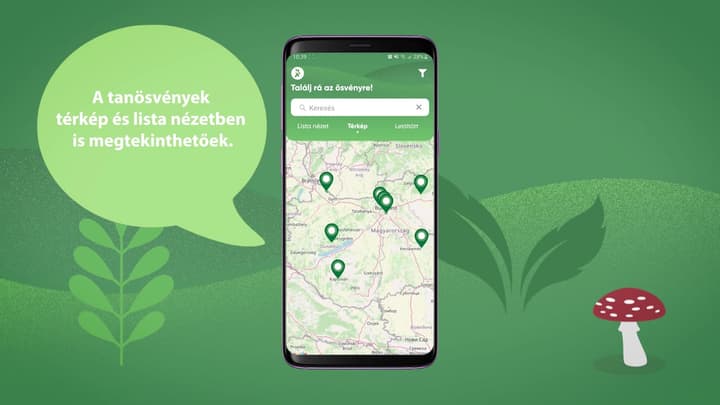
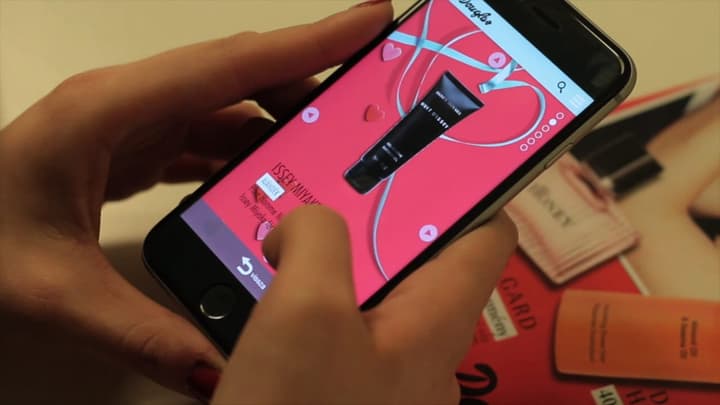
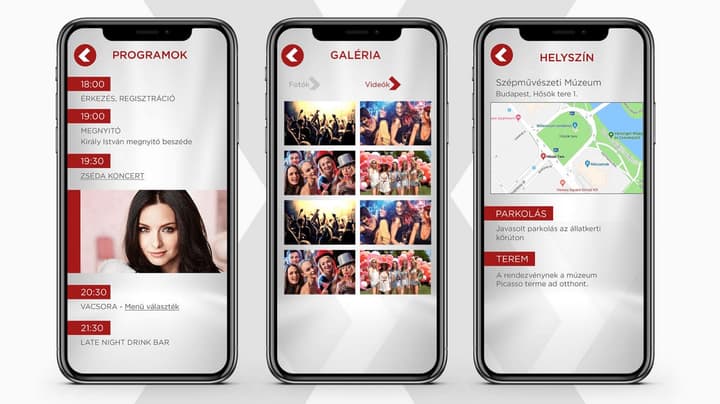
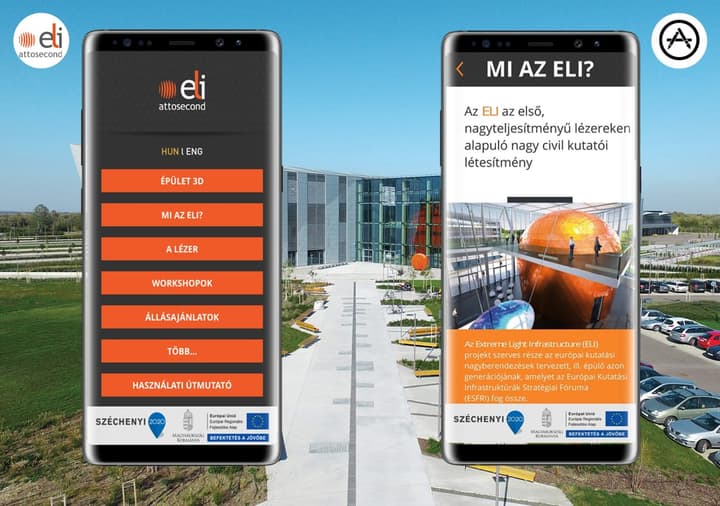
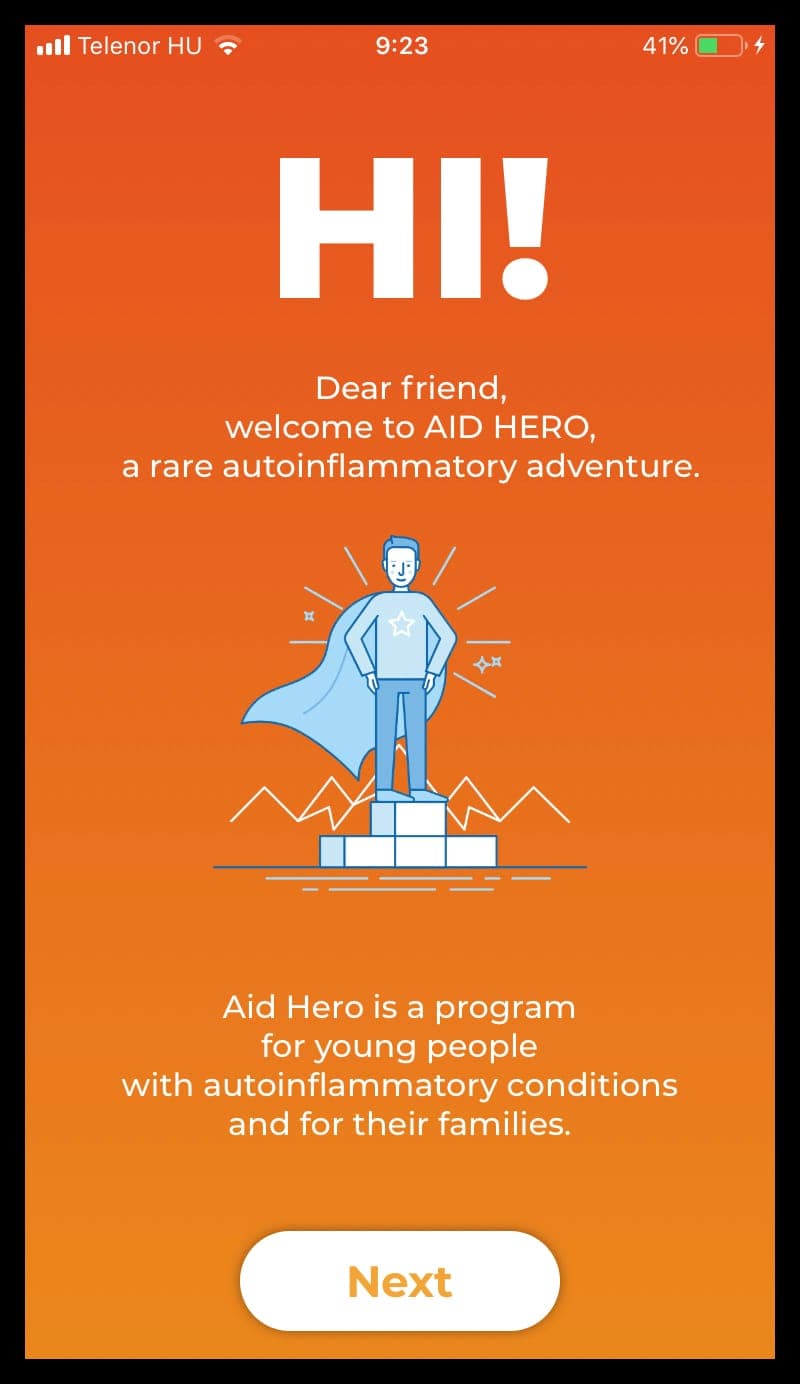
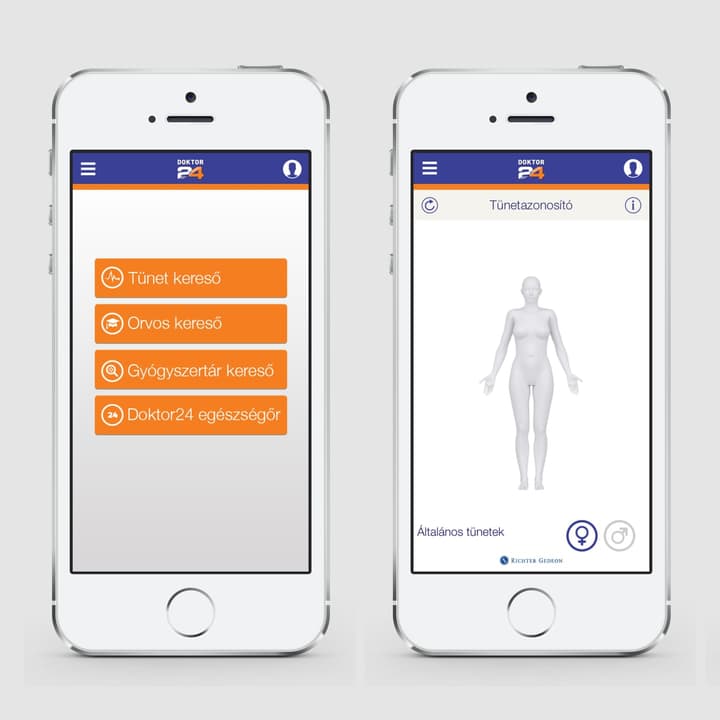
Custom mobile and web applications for requirements driven by specific business logic, content or user journeys rather than an off-the-shelf platform. Delivery can be a downloadable app or an experience available instantly in the browser.
The problem it solves

For many digital products, the key question is not the technology itself but which channel reaches users with the least friction. A native app can access more device capabilities, support persistent use and work offline, but it requires installation and app-store operations. A web application can open immediately from a link or QR code, while some hardware and operating-system functions may be more restricted.

When it makes sense
Digitising a custom customer or employee workflow
Creating a service used regularly on mobile
Launching a web experience from a QR code
Delivering WebAR or WebXR without installation
Supporting offline or field operation
Integrating CRM, ERP, LMS or payment systems
Key benefits
The interface can match the exact business process
Mobile and web channels can share one backend
Browser access can remove the installation barrier
Native apps can use more device features and offline data
Existing enterprise systems can be integrated
Analytics and content updates can be managed centrally
Limitations and design considerations

A custom application is a long-term product: after launch it still requires operation, security updates and adaptation to operating-system changes. Native apps must follow Apple and Google store policies and release processes. Browser-based solutions are constrained by differences between devices and browsers. Integrations also depend on the APIs, permissions and stability of external systems.
Related technologies
MobileWebXRWeb3DARCRM integrationLMS integration
Typical features
Native and cross-platform apps
Responsive web applications
WebAR and WebXR
Offline operation
Push notifications
User accounts and permissions
External system integrations
Admin and CMS interfaces
Analytics and event logging
Project examples
Q&A
When is a mobile app better than a web application?
A mobile app is justified when users return frequently, offline operation matters, push notifications or deeper device capabilities are required, or the service should remain persistently available on the phone. For a one-off campaign or occasional function, a browser-based solution is often more practical because users do not need to install anything.
What do WebAR and WebXR mean in practice?
The user opens a link or scans a QR code and, on a supported device, the AR or XR experience starts directly in the browser. This lowers the entry barrier, but not every mobile or headset capability is exposed in the same way as in a native application. Required functions therefore need to be checked against target devices and browser support.
What happens to the application after launch?
Depending on the system, ongoing work may include server monitoring, bug fixes, security updates, analytics review and app-store release maintenance. Ownership of content updates, response times for incidents and support for older devices or operating-system versions should be agreed before launch rather than left undefined.
Start an app projectReferences